
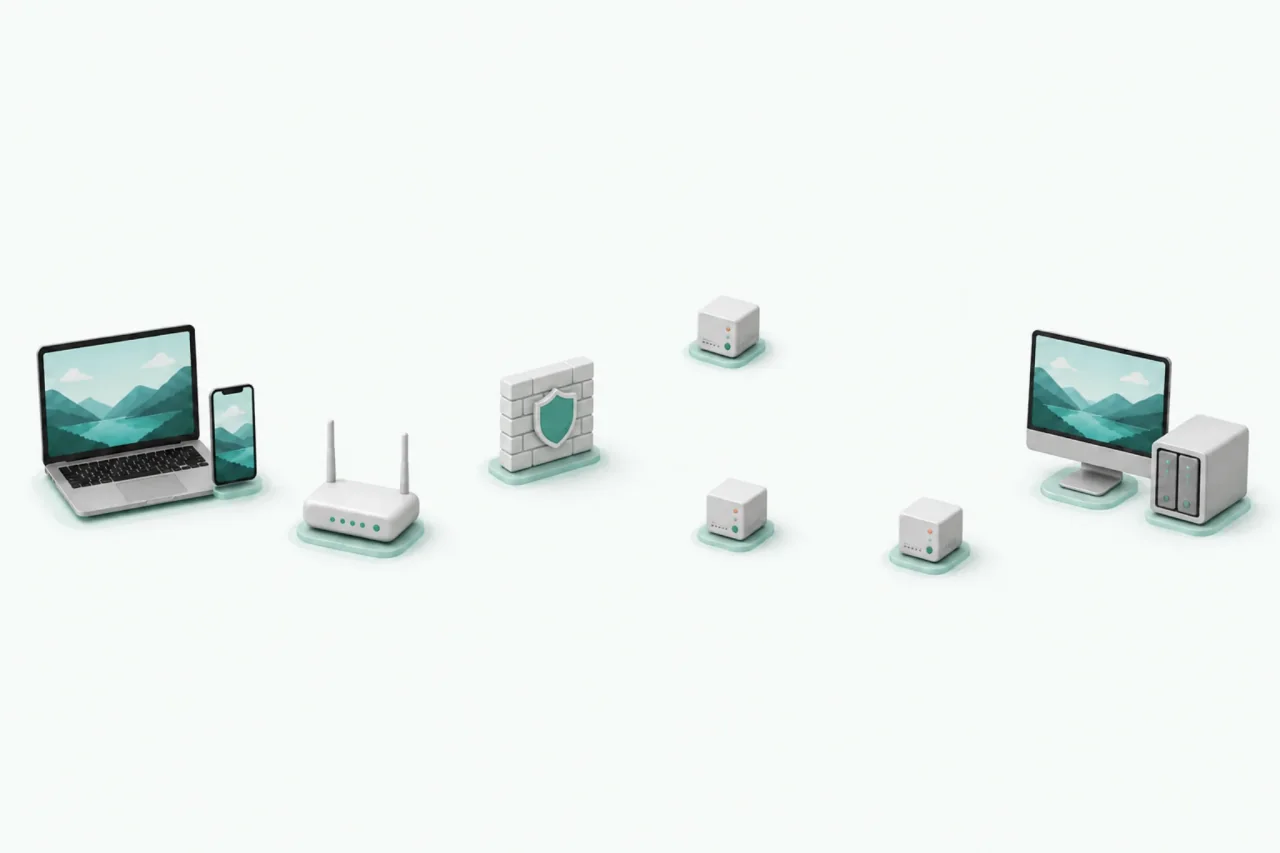
Set up remote access yourself
Check IP addresses, ports, and network conditions—and possibly change router or firewall settings.
HomiPlay Device Network
One place to access your computers and devices, wherever they are.
Use the HomiPlay device list to get files, open a remote desktop, or access services on your devices. No IP addresses to remember. No router setup.
Free Plan forever · 7-day Pro trial · No credit card required
Starting connection
Connecting
Connection established
HomiPlay File Access
Left an important file on another computer? As long as that device is powered on, online, and running HomiPlay, open the remote file manager to browse its folders and retrieve the file.
The file must be uploaded or synced before you can use it elsewhere.
Access the file directly from your own device when you need it.
Your files can stay where they are—and still be within reach.
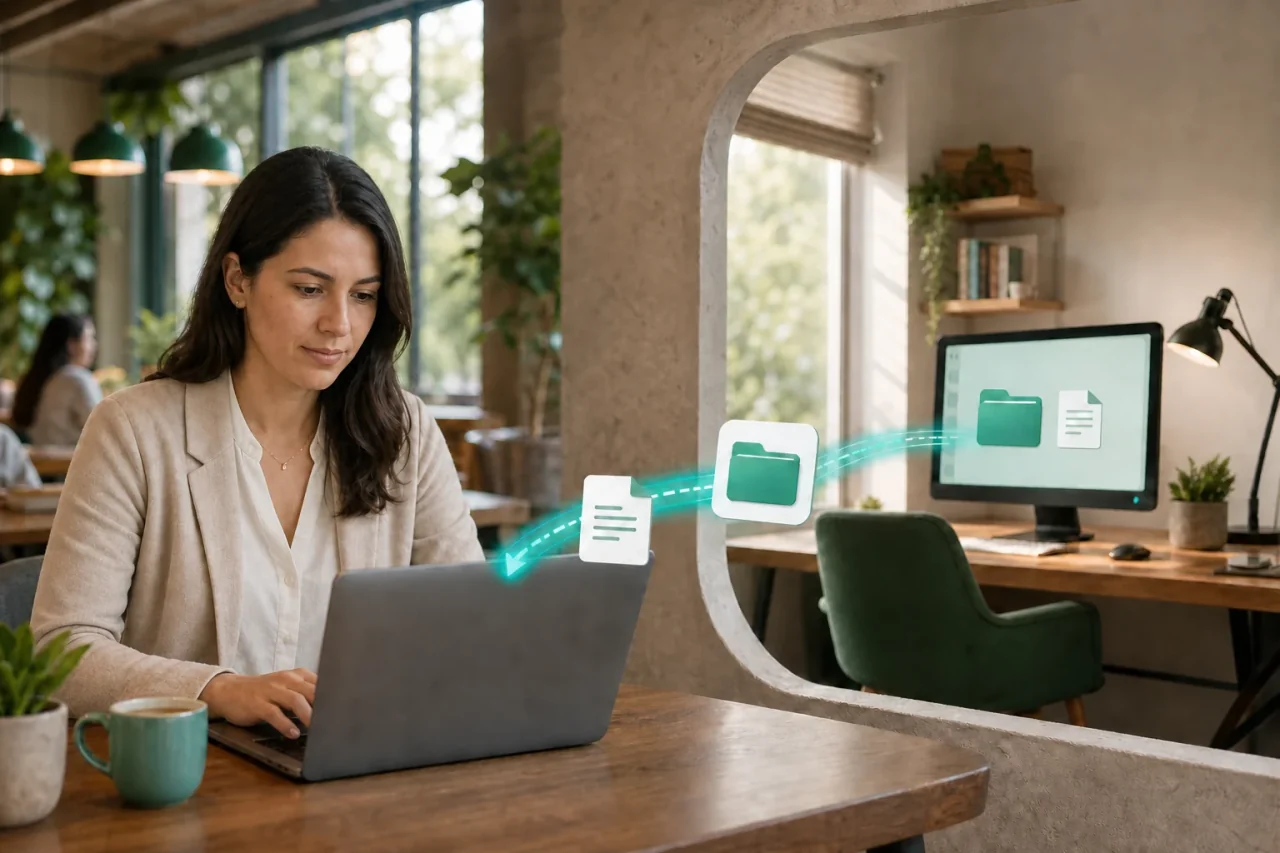
Devices at home, the office, or your studio appear automatically after you sign in to the same HomiPlay account. Pick a device, then choose what you want to do. HomiPlay handles device discovery, network conditions, and connection paths.
Check IP addresses, ports, and network conditions—and possibly change router or firewall settings.
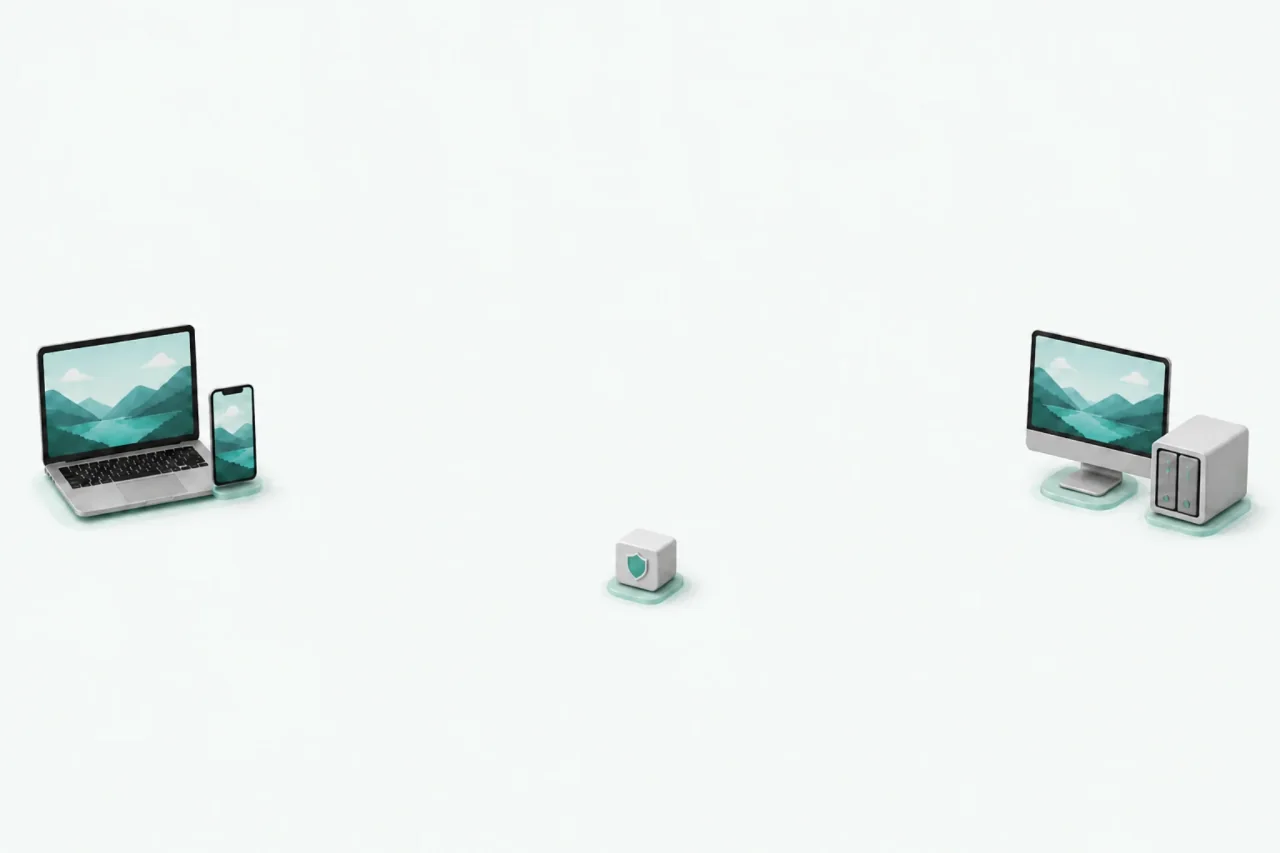
Choose a device from the list and open the feature you need.
HomiPlay prioritizes direct P2P connections. When a direct connection is not possible, it automatically switches to an official encrypted Relay. The Relay cannot view transmitted content.
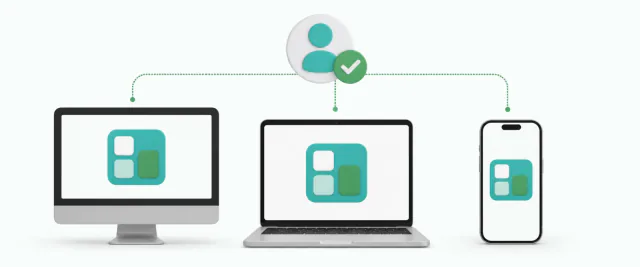
Install the right version on the device you use and the one you want to access.
Your devices appear automatically in the device list.
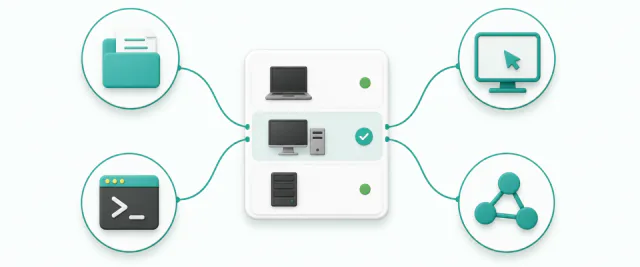
Open file transfer, remote desktop, terminal, or Services.
Keep it powered on, online, and running HomiPlay in the background. Wake-on-LAN is not currently supported.
Available for Windows, macOS, Linux, iOS, and Android. Features vary by platform.
directly from your own computer
No need to sync entire folders in advance or set up an FTP server. Open the remote file manager and retrieve only what you need.
Start for free
Turn one HomiPlay device into a Home Center to access consoles, NAS devices, and other systems on the same network—or use your home internet connection while away.
Explore Home Center
Reach OpenClaw, Hermes Agent, and other services you have set up on your personal devices.
See the private AI use case
Open the built-in remote desktop from the device list without tracking connection details for every computer.
HomiPlay keeps the networking in the background and puts your devices and tools up front.
See your devices and their connection status in one place.
Available for Windows, macOS, Linux, iOS, and Android.
Install, sign in, and choose a device—without studying network settings first.
Get 7 days of Pro, then return to the Free Plan automatically.
From seeing a device online to using it, everything starts in one place.
Sign in with the same account and devices appear in your list—no IP address tracking.
HomiPlay automatically selects a suitable path to establish a connection between devices.
File transfer, remote desktop, terminal, and Services—without piecing together multiple tools.
Grant features separately, require approval each time or allow unattended access, and revoke access instantly.
Select a card to enlarge the device list, file manager, or feature menu.
Find devices at home, the office, or your studio from one place.
Retrieve files directly from your own computer without syncing everything first.
Keep your existing devices and services, and use HomiPlay as the way in.